Tired of chasing renewals?
Certiligent automates certificate issuance, renewal, and deployment, with zero manual steps.

It's 2 a.m. when the alerts start coming in: customers can't reach your application. You scramble to investigate and find the root cause: a TLS certificate that quietly expired, one nobody was tracking and no alert caught in time. It's one of the most common, and most preventable, causes of downtime, and exactly the kind of thing that turns a quiet Friday night into a very long Saturday morning.
This scenario plays out far more often than most organizations like to admit, and as certificate lifespans continue to shorten, the window for human error is only getting smaller. Let's break down exactly what's at stake and why automating certificate renewal has moved from useful to necessary.
Certiligent automates certificate issuance, renewal, and deployment, with zero manual steps.
A TLS (Transport Layer Security) certificate is the digital credential two systems use to trust each other and encrypt the traffic between them. On a website, it is the padlock in the address bar. But the same thing secures far more than pages people open in a browser. Public APIs, mobile app backends, payment systems and internal services all rely on TLS to prove who they are talking to and keep that traffic private.
Certificates do not last forever; they have an expiry date. When one expires, a browser shows a warning and blocks the page, and any API, service, or device that relied on it stops trusting the connection. Renewal means replacing the certificate with a fresh one before any of that happens.
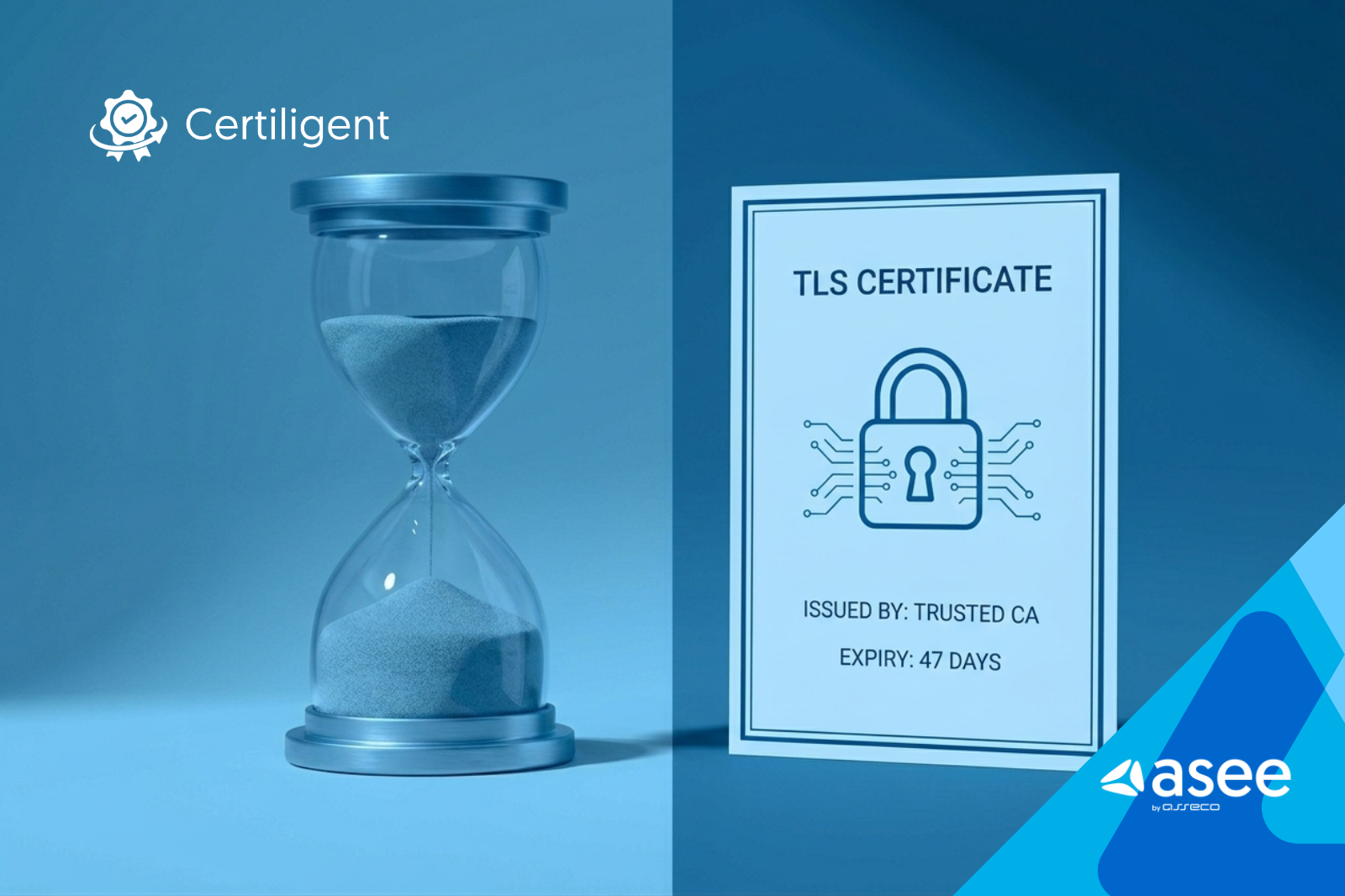
Historically, certificates were issued with lifespans of one to two years, which made manual tracking just about manageable. But the industry has been pushing hard for shorter-lived certificates to improve security, and the shift is becoming mandatory. By 2029, the CA/Browser Forum's rules cap publicly trusted certificate lifespans at just 47 days, and every major browser enforces them. That's a dramatic change: what was once a yearly chore becomes a rolling, near-constant responsibility.
A shorter lifespan means a smaller window of risk if a certificate is ever compromised. That is a real security gain. But it also means renewal can no longer be an afterthought.
Despite the availability of automation tooling, a surprising number of organizations still manage certificate renewal manually. Here's what that typically looks like in practice:
Each step above requires the right person to be available, paying attention, and not making any mistakes. And when you're managing tens or hundreds of certificates, "the right person" often becomes "whoever isn't too busy right now."
The real problem with manual certificate management isn't just the inconvenience; it's the compounding risk and cost that builds up silently over time.
Installing a certificate on the wrong server, missing a Subject Alternative Name (SAN), mistyping a domain, forgetting to update a load balancer. These are ordinary mistakes, and they all cause outages. No matter how experienced your team is, manual processes introduce human error at scale. It's not a question of competence, it's a question of probability.
Spreadsheets and calendar reminders break down quickly. New domains, services and devices are brought online and never added to the tracker. Someone leaves the team, and their local knowledge leaves with them. A certificate gets renewed on the server, but the CDN still has the old one. You cannot close these gaps by hand, and they grow as your infrastructure grows.
A single manual certificate renewal, when you account for the full process, typically takes between two and four hours of engineering time. Multiply that by the number of certificates you manage and the number of renewals per year, and it adds up fast.
Certificate management has a habit of becoming one person's problem. "Ask Dave, he knows how that one works." When Dave is on holiday or changes jobs, that institutional knowledge goes with him. This kind of siloing creates single points of failure that stay invisible until they fail.
When renewal is delayed, even by a few days, your certificate is running closer to its expiry. In that window, any compromise of the certificate is worse, because there's less time before the natural rollover that would invalidate it. Shorter, more frequent renewals are actually safer, but only if they happen reliably and on time.
| Dimension | Manual | Automated (Certiligent) |
| Time per renewal | ~2–4 hours of engineer time | Effectively none for routine renewals |
| Error rate | High, human-dependent at every step | Minimal, consistent, repeatable |
| Scalability | Breaks down as certificate count grows | Scales with volume, no added overhead |
| Visibility | Scattered across spreadsheets, calendars, and individual knowledge | Centralized dashboard, inventory and audit logs |
| Alerting | Manual reminders, easy to miss | Proactive alerts when action is needed |
| Readiness for 47-day certs | Impractical at real scale | Built for high renewal frequency, no changes to existing applications |
| Knowledge dependency | High, often siloed to one person | Codified and shared across the team |
We'll walk you through our solution for automated certificate renewal.
Automated certificate management handles the whole renewal cycle without anyone touching it for routine work. That means automatic renewal before expiry and deployment to the systems that use each certificate, without a ticket being raised or an engineer being pulled off other work.
The key shift isn't just speed, it's reliability. An automated system renews every certificate on schedule, without being distracted or unavailable, and records each action in an audit trail you can produce for a review or an audit.
With a solution like Certiligent, your team moves from reactive fire-fighting to a simple model: the system handles renewals automatically, and your engineers are notified only when something genuinely needs human attention. That's a fundamentally different way of working, and it compounds over time as your infrastructure grows.
The figure that matters is 47 days: the maximum lifespan for publicly trusted TLS certificates that the CA/Browser Forum has set for March 2029. To understand what that means in practice: a team managing 100 certificates today, under the current 200-day maximum, faces roughly 180 renewals a year. Under 47-day cycles, that same team would face roughly 780 renewals a year, more than four times as many. With manual processes, that's not a scaling challenge; it's a breaking point.
For an automated setup, 47-day certificates are no harder than yearly ones. The system runs the same job more often. Every month you wait to automate adds risk, manual work, and technical debt.
The question is no longer whether to automate certificate renewal. At 47-day cycles, the question is whether you can afford not to.
It's tempting to think of certificate automation as an enterprise problem, something only large companies with hundreds of certificates need to worry about. But the reality is different:
If you manage more than a handful of certificates and you've ever had to chase a renewal on a Friday afternoon, certificate automation is for you.
Manual certificate renewal isn't just inefficient; it's a quiet, compounding risk that gets more dangerous as your infrastructure grows and as industry timelines compress. A missed renewal doesn't only cause an outage. It costs trust, it costs engineering time, and it puts security at risk.
The move to 47-day certificate lifespans by 2029 is a forcing function. Teams that automate now will barely notice the change, while those that wait will be doing the same work under far more time pressure.
Certificate management is too important to leave to improvisation. It is not something you solve on the side with a few ad hoc scripts. It is an ongoing job that needs a proper system, steady monitoring, and someone clearly responsible for it. That is hard for an internal team to keep up with everything else.
ASEE has decades of experience building and running cybersecurity solutions. ASEE solutions are already in use at financial institutions and public and utility companies across more than 55 countries worldwide. Our deepest experience is in the fields with the strictest security requirements, like banking and finance, where there is the least room for error.
Certiligent handles the full certificate lifecycle, from issuance and renewal through revocation, deployment and audit logging, so your team doesn't have to.